
5 Signs Your Office Furniture Is Costing You Productivity
Productivity isn’t only about processes, technology or people. The physical environment surrounding your team every day can have an equally important role in how efficiently work gets done.
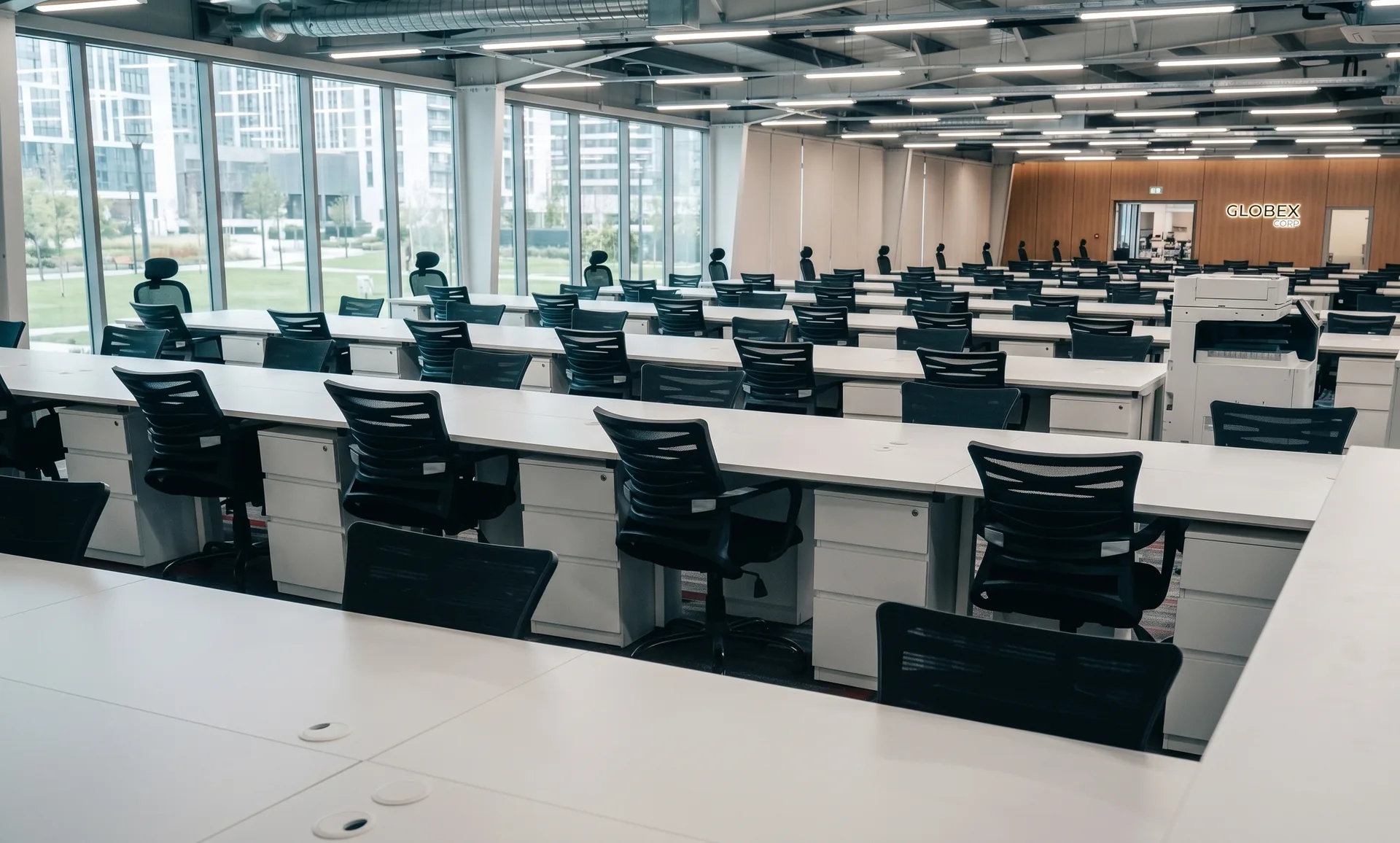
An office can look impressive and still be poorly designed for the people who use it.
Think about a typical working day. Someone adjusts their chair repeatedly. Another employee moves their monitor because the screen isn’t positioned comfortably. A team chooses to discuss something at a desk because the meeting room isn’t practical. Cables collect around workstations because there is no logical place to route them.
None of these issues appears dramatic individually. But when the same small interruptions occur repeatedly across an entire workplace, they become part of the everyday working environment.
Good office furniture should remove obstacles from the workday — not create new ones.
People Are Constantly Adjusting Their Chairs
People naturally move throughout the workday. But if employees are repeatedly shifting positions, standing up, stretching or adjusting their chairs because they cannot remain comfortable, their seating may be working against them.
A well-designed ergonomic chair should support the user rather than force the user to compensate for the chair. Seat height, lumbar support, seat depth, back movement and arm positioning all contribute to the overall workstation experience.
Productivity is often affected by the things employees have stopped noticing.
The chair that doesn’t quite fit. The cable that is always in the way. The storage cabinet that is too far from the workstation. The meeting table that makes collaboration awkward. Professional workplace design identifies these problems before they become normal.
Your Meeting Rooms Are Being Avoided
Notice your team having discussions at their desks, in corridors or through individual video calls even when a meeting room is available?
The problem may not be collaboration itself. It may be the environment in which collaboration is expected to happen.
Desks Are Buried Under Cables, Files and Clutter
Modern employees work with laptops, monitors, docking stations, chargers, phones, keyboards and other equipment. If the workstation doesn’t provide a logical way to manage these elements, the desk surface quickly becomes crowded.
Without logical cable management, storage and accessory planning, the desk gradually becomes overflow space rather than a productive workstation.
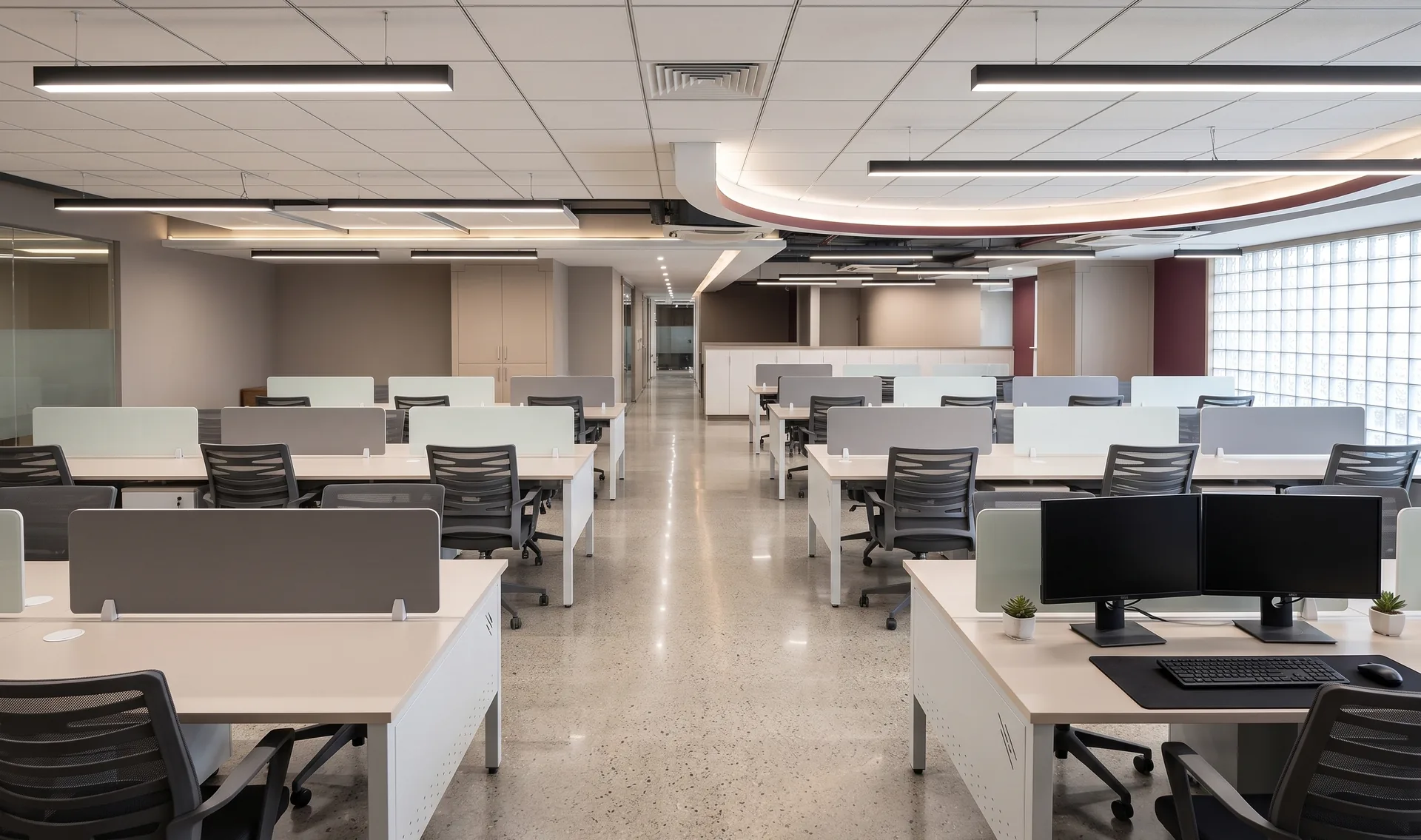
New Employees Take Too Long to Find Their Rhythm
Onboarding isn’t only about training, introductions and software access. The physical workplace also influences how quickly a new employee understands the environment around them.
Desks positioned too closely together, unclear work zones, limited storage and poor circulation can make a professional office feel confusing from day one.
The workspace should be intuitive before anyone explains it.
Clearly defined work zones, logical circulation and accessible storage help employees understand how the office functions naturally.
Complaints About Discomfort and Fatigue Are Becoming Normal
The most important warning sign is often the one everyone has stopped noticing.
If employees regularly mention discomfort after spending long periods at their desks, it is worth looking beyond individual habits and examining the workstation itself.
Desk dimensions, seating support, monitor positioning, available legroom and the relationship between different workstation components all contribute to the overall experience of working for several hours at a time.
Furniture Should Support the Work — Not Get in Its Way
Office furniture becomes part of the background very quickly. Employees stop noticing the desk, chair, storage and layout — until something doesn’t work.
The strongest workplace design is often the least distracting. It keeps technology organised, supports comfortable working positions, makes collaboration natural, uses space intelligently and gives businesses the flexibility to adapt as their teams change.
Is Your Office Designed Around the Way Your Team Actually Works?
LOGIN WOOD® designs and manufactures modular office furniture in Pune, helping businesses create functional, ergonomic and adaptable workspaces.
Get a Free Office Layout & Quote